Your first minute is a question, not a menu
Seven days, five seats, demo data, no card. A new workspace opens by asking what your business does, and answers with the apps that fit, the commission beside them, and the offer to lay your own spreadsheet over the proposal before you agree to any of it.
What the business does, in its own words.
The design step, which is where a sentence about a trade becomes tables, stages, rules and automations — read whole before any of it exists.
Type what your business does
The same question the product asks on your first morning, answered here with what you would actually get. No account, nothing stored, and no model asked: every figure below is read off the catalogue by the function the order screen prices a build with.
An example sentence, until you write your own.
Nothing we ship is named by those words. That is the ordinary case rather than a failure, and it is what having one built is for.
Or have the whole application designed around that sentence instead — your tables, what each of them moves through, your rules, your automations — read whole before any of it exists.
Pick a shape of business, or have one designed for yours
Every trial starts with something in it. Take an app whole and the tables that trade runs on are there when you arrive, with examples in them. Or describe what you do and have the whole application designed for it, which is what this product is for.
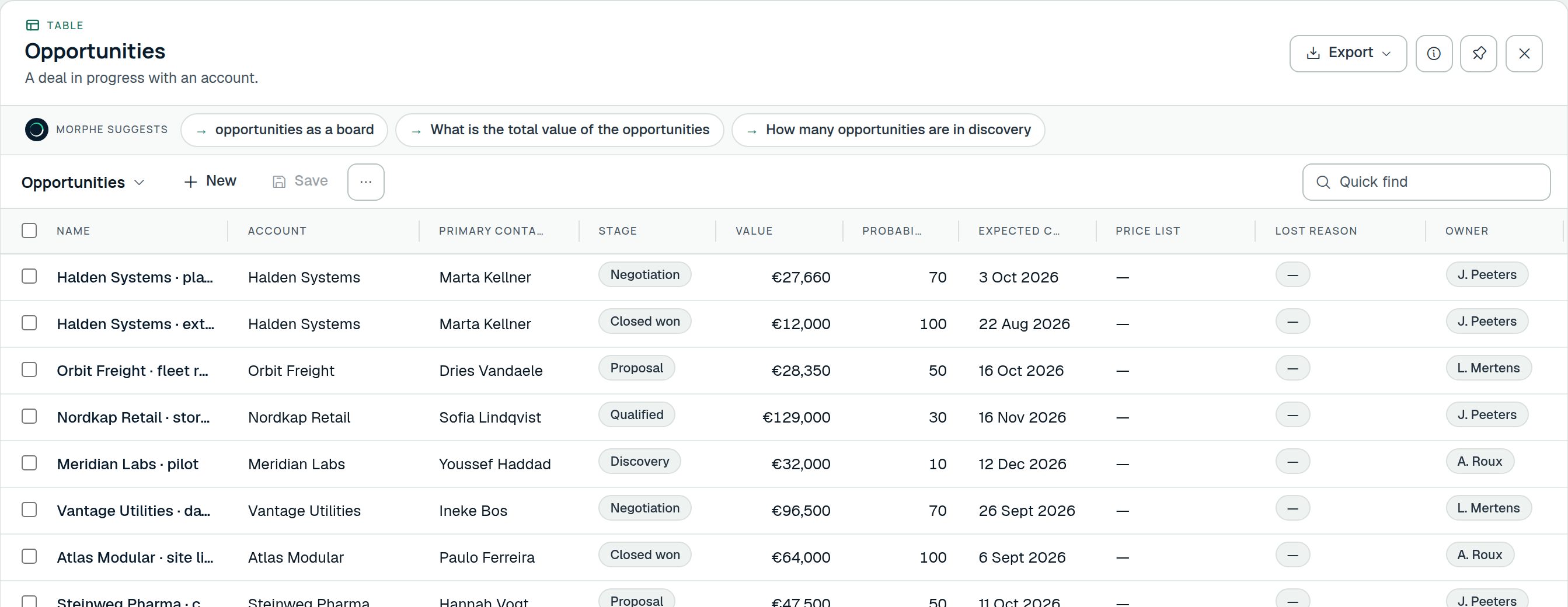 Start with this
ProjectsBrings Projects, Project tasks, Milestones, Project expenses
The work you have taken on: who it is for, what it is worth, what it breaks into, what changed along the way, and what it has cost.
Start with this
ProjectsBrings Projects, Project tasks, Milestones, Project expenses
The work you have taken on: who it is for, what it is worth, what it breaks into, what changed along the way, and what it has cost.
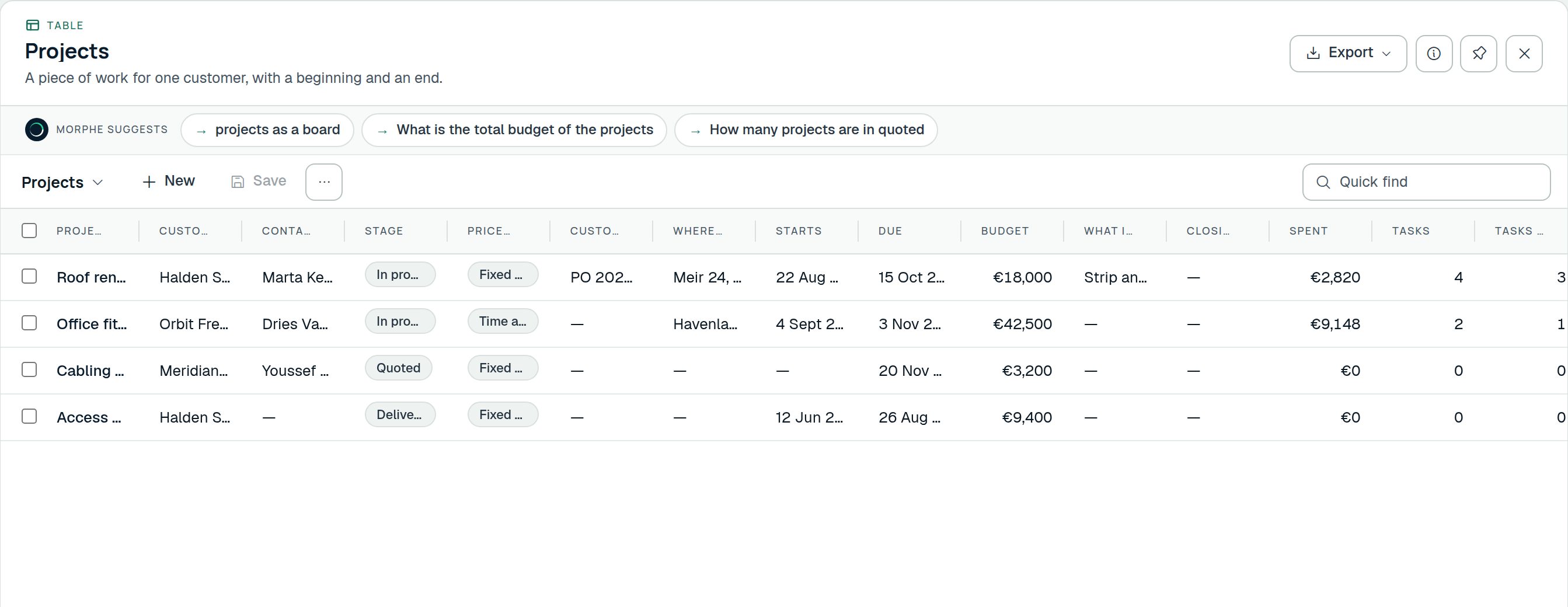 Start with this
TimesheetsBrings Timesheets, Time entries
Hours against the work they went into, sent as a week, approved by somebody, and what they add up to in money.
Start with this
TimesheetsBrings Timesheets, Time entries
Hours against the work they went into, sent as a week, approved by somebody, and what they add up to in money.
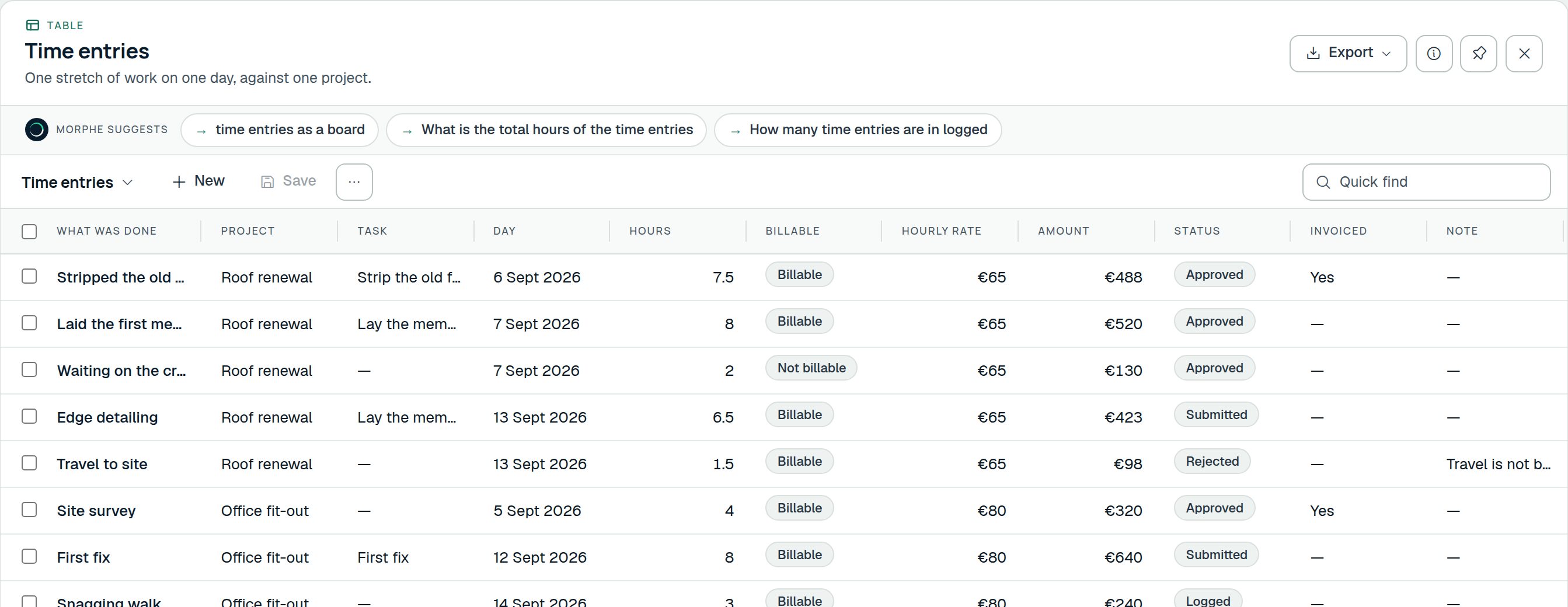 Start with this
HelpdeskBrings Tickets, Service contracts, Assets, Knowledge articles
What customers have reported, about which of their equipment, what they were promised, and what fixed it last time.
Start with this
HelpdeskBrings Tickets, Service contracts, Assets, Knowledge articles
What customers have reported, about which of their equipment, what they were promised, and what fixed it last time.
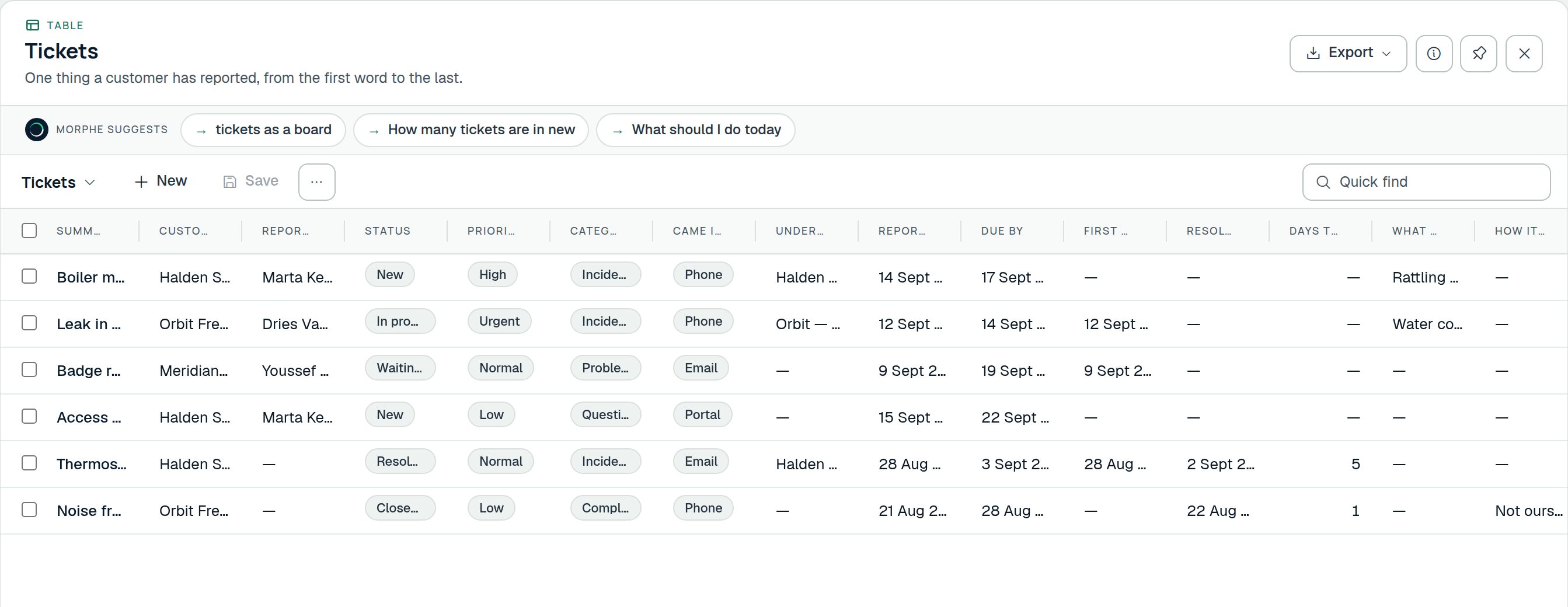 Start with this
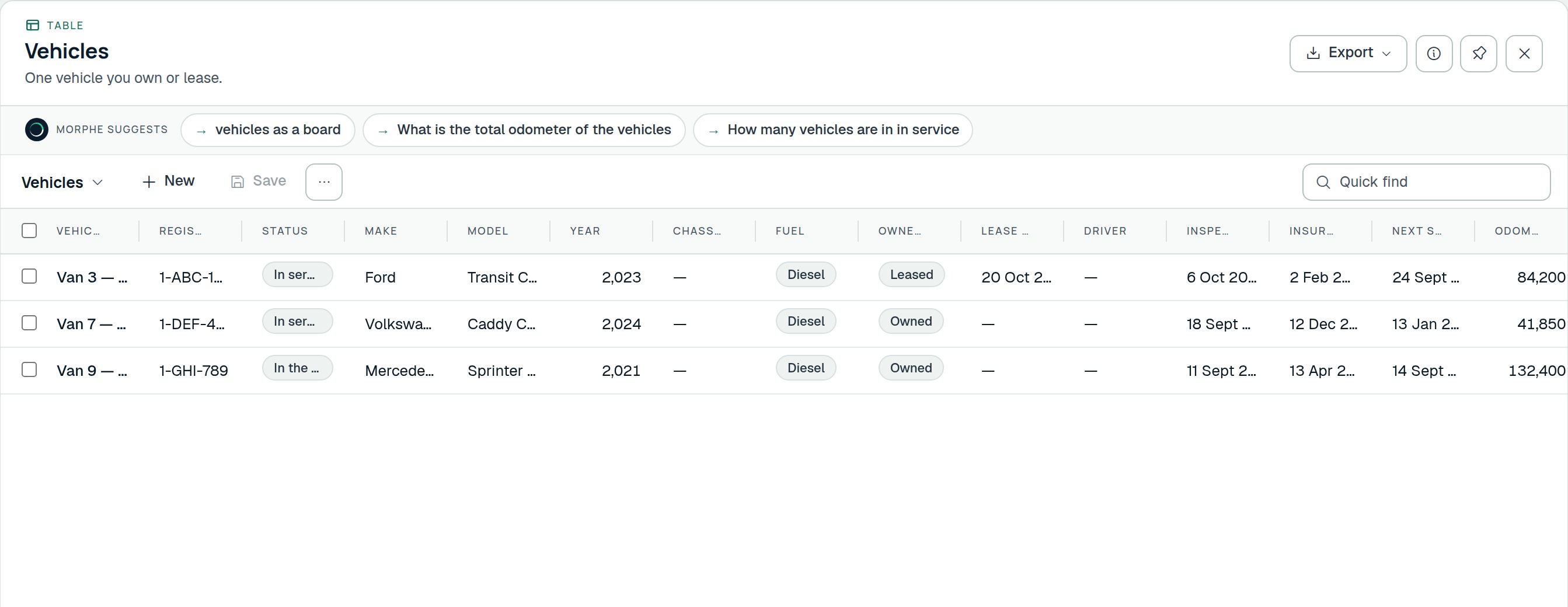
FleetBrings Vehicles, Vehicle costs, Service bookings, Incidents
The vehicles you run, what they cost, what is booked for them, whether they were checked this morning, and what is due when.
Start with this
FleetBrings Vehicles, Vehicle costs, Service bookings, Incidents
The vehicles you run, what they cost, what is booked for them, whether they were checked this morning, and what is due when.
 Start with this
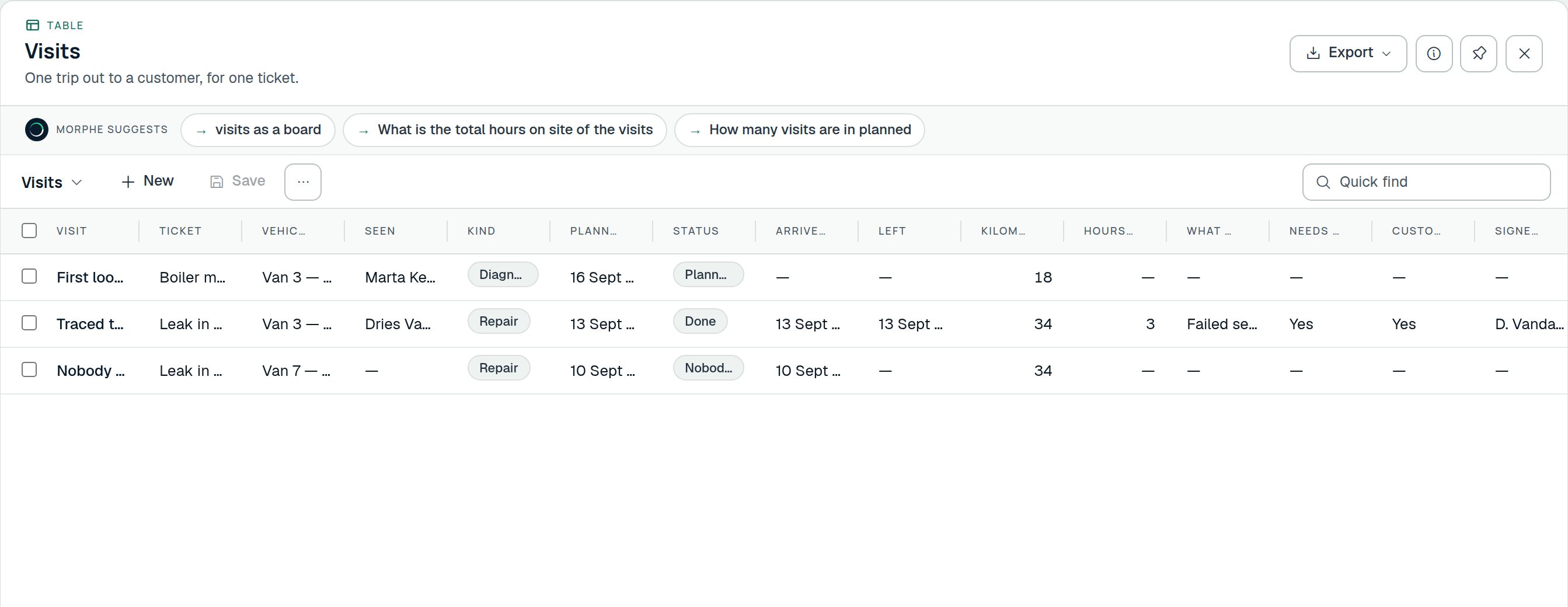
Field serviceBrings Visits, Parts used, Maintenance plans
Send somebody out to a job, on a ticket or on a maintenance plan, and know what the visit took: the hours, the parts, and the sign-off.
Start with this
Field serviceBrings Visits, Parts used, Maintenance plans
Send somebody out to a job, on a ticket or on a maintenance plan, and know what the visit took: the hours, the parts, and the sign-off.
 Start with this
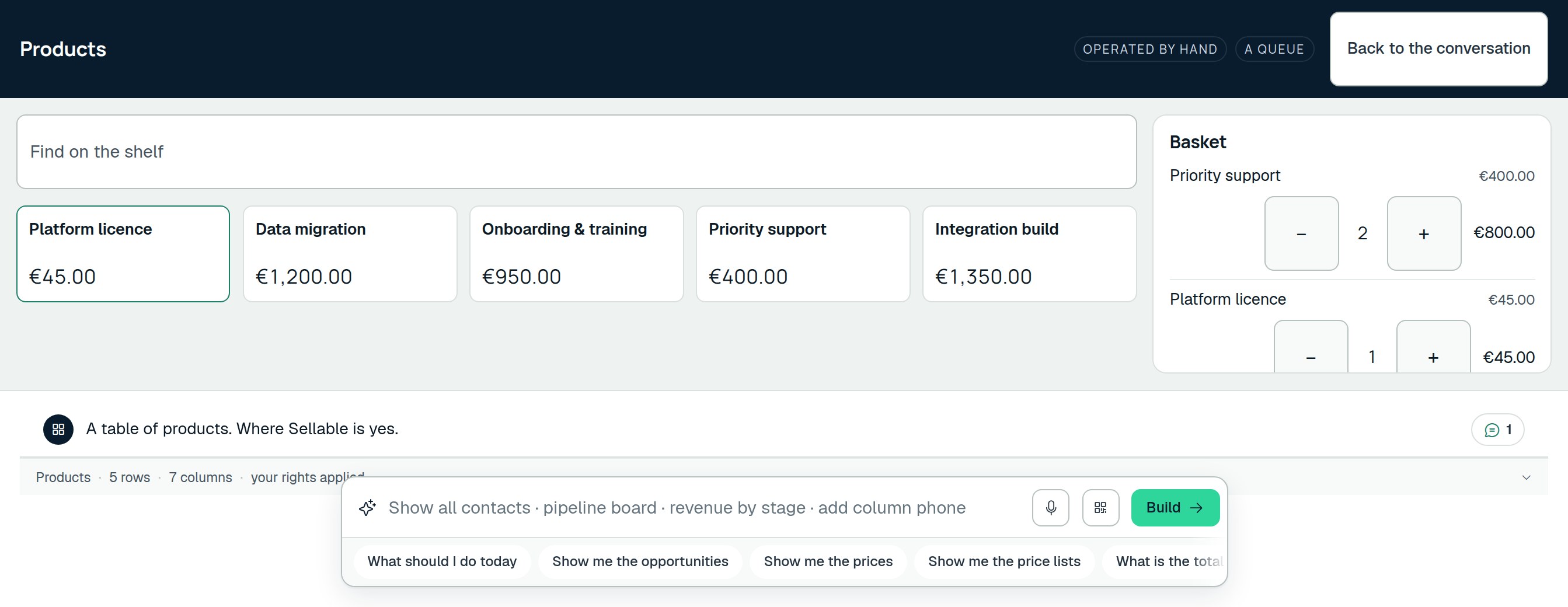
CounterBrings Counter sales
A till over the catalogue you already price things in: what went over the counter, when, at which till and paid how.
Start with this
CounterBrings Counter sales
A till over the catalogue you already price things in: what went over the counter, when, at which till and paid how.
 Start with this
An application designed around what you do
The product asks about your business first and builds second. It takes about twenty minutes, and everything is proposed before any of it exists.
- DescribeOne or two sentences about what you do, in your own words. Your website, if you want it read.
- UnderstoodWhat it read back: the work, as it seems to go, step by step. Wrong? Change a word and go again.
- QuestionsA few, about the things it could not know: what you call a customer, what a job goes through, who signs off.
- DesignThe tables, the stages, the rules and the automations your trade runs on, as a proposal you read, not a workspace you find.
- Team and rolesWho does what, so who may see and change what is worked out from that rather than ticked in a grid.
- BuiltMade all at once, with the first thing to do already in the box. Everything after that is a sentence.