The prompt is the whole interface
There is one control in this product. Everything a menu would have given you (a view, a filter, a form, a report, a setting) is a sentence instead. Here is what happens between typing it and seeing it.
Four kinds of screen, four sentences.
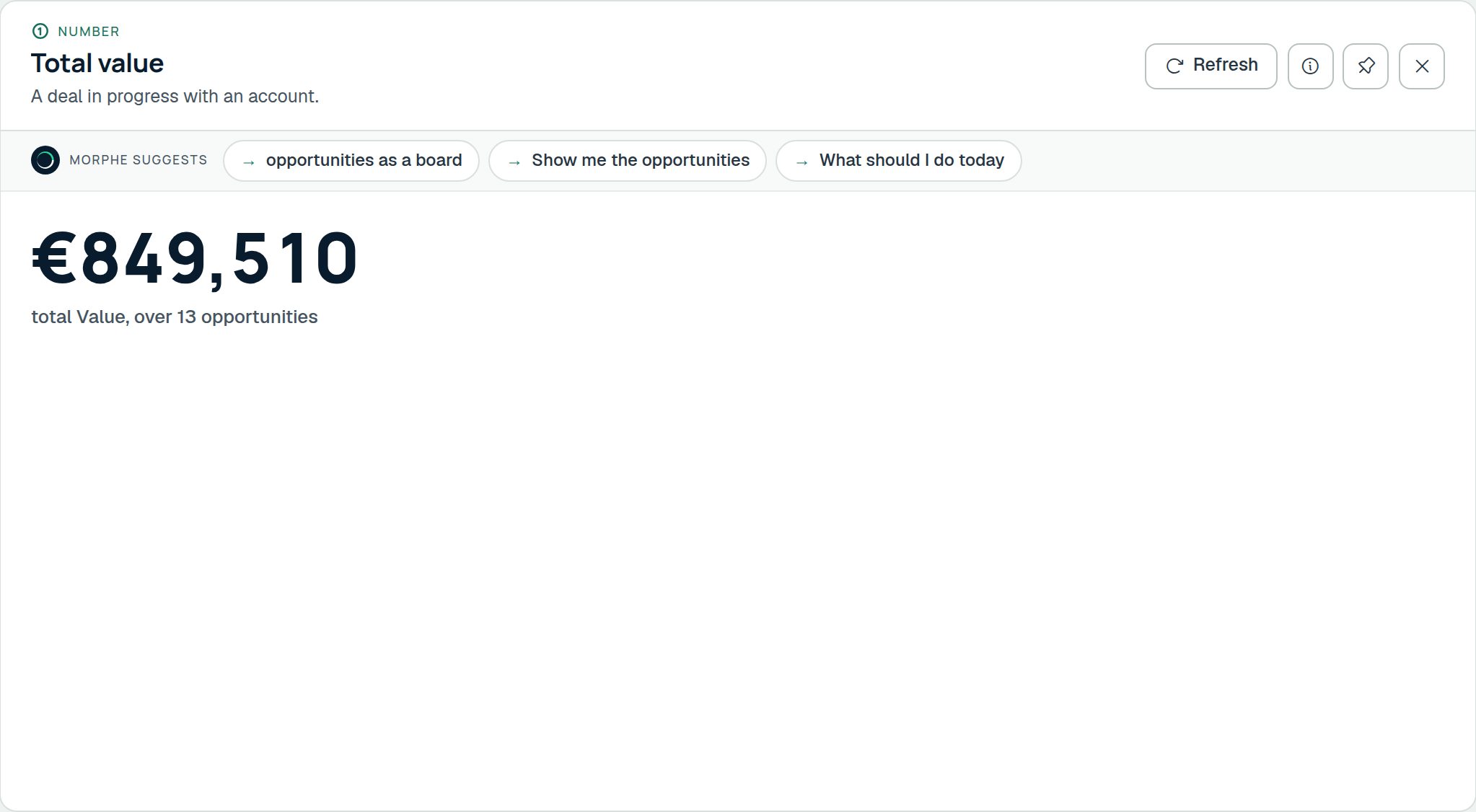
What should I do today, this month’s meetings, recent activity, how many deals are in negotiation: a home, a calendar, a timeline and a number, each one read back as a sentence you can check with the info button.
The parser runs first, and it is free
Before anything reaches a model, a deterministic parser in this process tries to answer. It is instant, it costs nothing, and it never sends a byte anywhere. "Open Halden Systems" (the prompt that always carries a customer name) is exactly the one it answers best.
A model is asked only when the sentence needs one, and it is told only about the records the sentence named, capped at ten. Almost always that is none. Every generation records how many records were described, so "what did you send them" has evidence rather than an assurance.
- Runs entirely on our server: no key required to use the product
- Without a model key, the product still works end to end
- A workspace can switch the model off completely and keep the parser
- Or keep the model and forbid it from ever seeing a record
Everything the prompt can return
Never a paragraph of prose. A screen, always, and one you can then keep working in.
- Grid
- Columns you choose, sorted and filtered how you asked, paged, exportable, and saveable as a view the team can reopen.
- Record
- One row, its related rows, and a timeline of calls, notes, mail and changes against it.
- Form
- Create or edit, prefilled from what you said, validated against the workspace’s own rules before it saves.
- Board
- Grouped by any choice column, with drag between columns firing whatever rules that step owes.
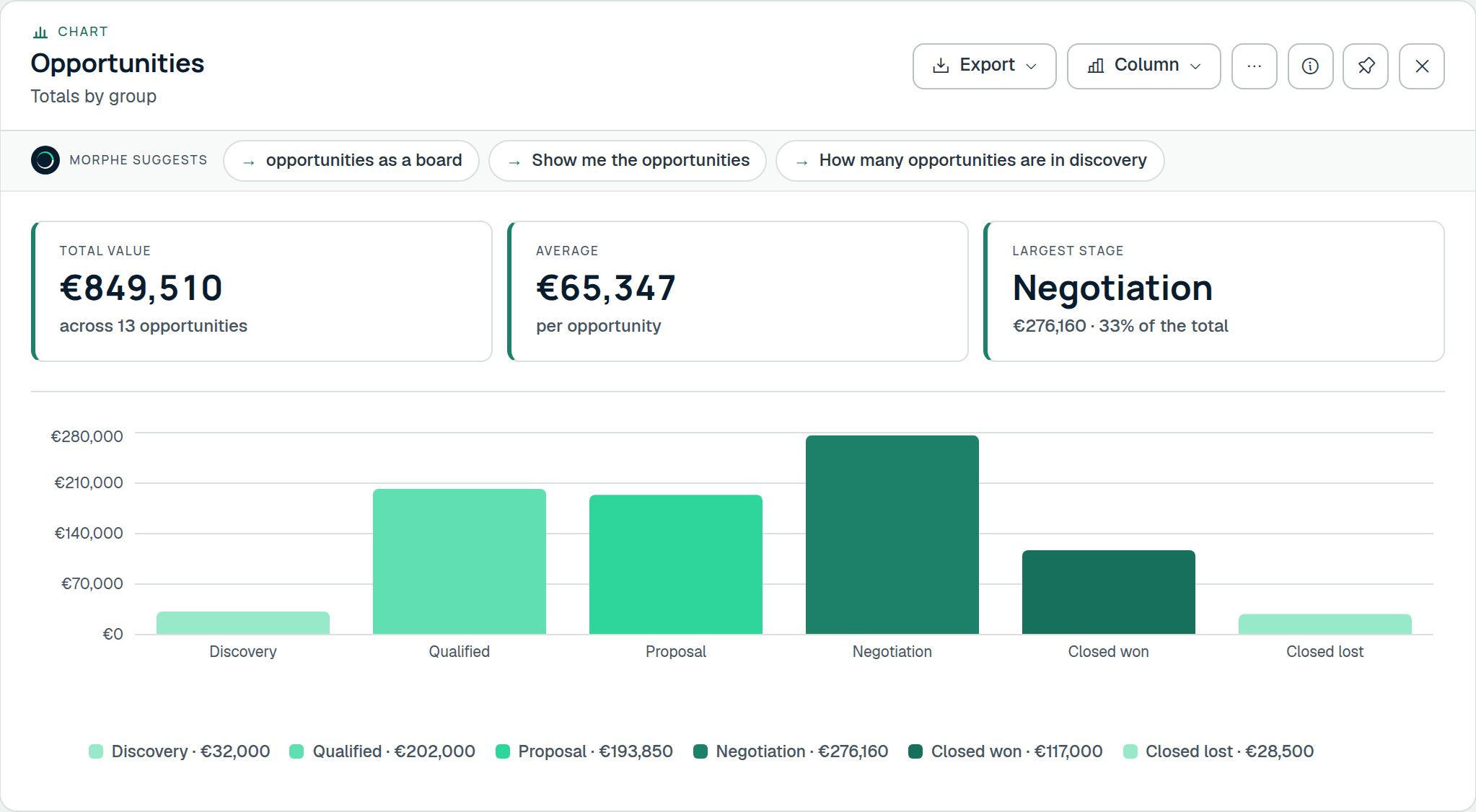
- Chart
- Bar, line, pie or donut over any measure, grouped by any column, with the rows one click away.
- Calendar and timeline
- Anything with a date in it, placed in time. Reschedule by dragging; the record knows.
- A single number
- When the question has a number for an answer, you get the number, and the working behind it.
- A screen that explains itself
- Ask where a figure came from and it shows you the filter, the rows and the arithmetic.
Screens accumulate; they do not replace each other
Ask for something new and the current screen shrinks into a small live rectangle in the left rail. It is still running. Click it and it comes back, exactly as you left it: same columns, same sort, same scroll.
Two can sit side by side when you need to compare. A screen worth keeping gets a name and reopens for anybody in the workspace who is allowed to see it.
- Follow-on prompts understand the screen you are looking at
- "and only the ones in Antwerp" narrows what is already there
- Ctrl+Z walks back the last thing the prompt did to your data
- Every screen has a link that reopens it for a colleague
The details that matter day to day
Speed and feedback
- The screen starts drawing before the model has finished
- A prompt that fails says what it did not understand
- The prompt tells you what it can do rather than making you guess
- A refusal offers the nearest thing that does exist
- Running out of model allowance is not an error: the parser carries on for nothing
On a phone and by voice
- The prompt bar sits above the keyboard, not under it
- Grids become cards on a narrow screen
- Dictate a prompt instead of typing it
- Everything that works with a mouse works with a thumb
Reachable without a mouse
- Every generated screen is keyboard-navigable
- Ctrl+S saves the form on the canvas
- Screen readers are told when a screen appears or changes
- Contrast is measured against WCAG, not eyeballed
- The interface speaks English, Dutch and French
The fastest way to understand it is to type at it
The trial workspace comes with demo data, and a short guided tour types the first few prompts for you so you can see what comes back.